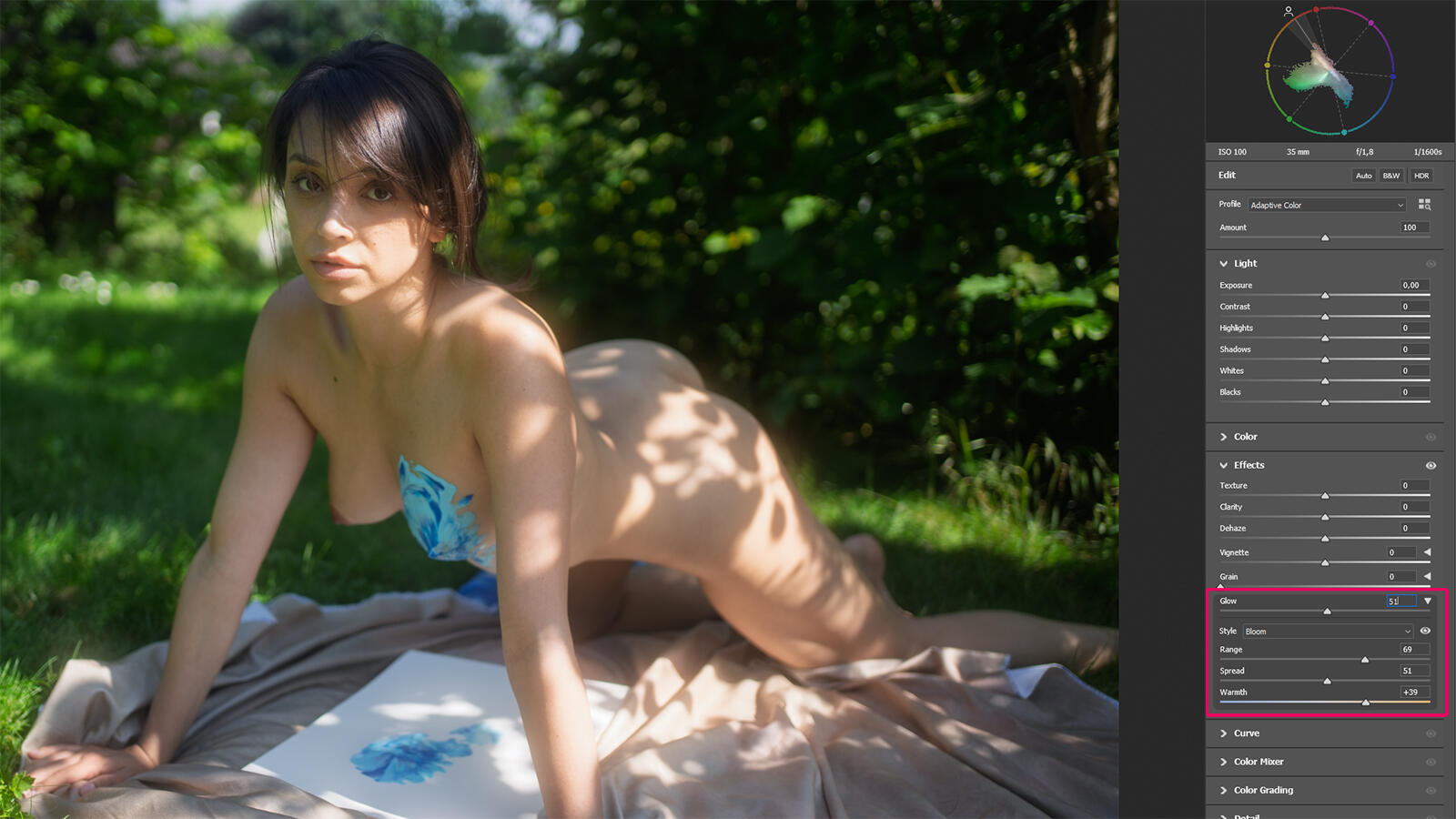
Now Adobe has added something. In Camera Raw, which I usually open through the Camera Raw Filter in Photoshop, the Effects panel has a new section: Glow. It sits right there with Vignetting and Grain. The slider diffuses the highlights, makes light sources blossom, gives the image a soft, luminous quality. The higher the value, the further the light blooms outward from the bright areas. It may sound like a gimmick at first, but there are three styles, and they differ quite a bit in the details.
Diffusion is the hazy, filmic softening that settles over the entire frame. Adobe recommends it for landscapes and sunsets, which is honest enough, since that's where the effect actually shows up most. Halation wraps a colored retro halo around bright edges and light sources, intended for neon signs in night shots. It also works nicely in backlight (as long as the whole sky isn't blown out).
The one that interests me most, though, is Bloom. Bloom produces a soft, even glow across the highlights. Officially it's meant for ethereal subjects like waterfalls and fog scenes. In my genre, that blooming in the bright areas of skin is exactly what defined the visual language of the eighties, that soft porn light.
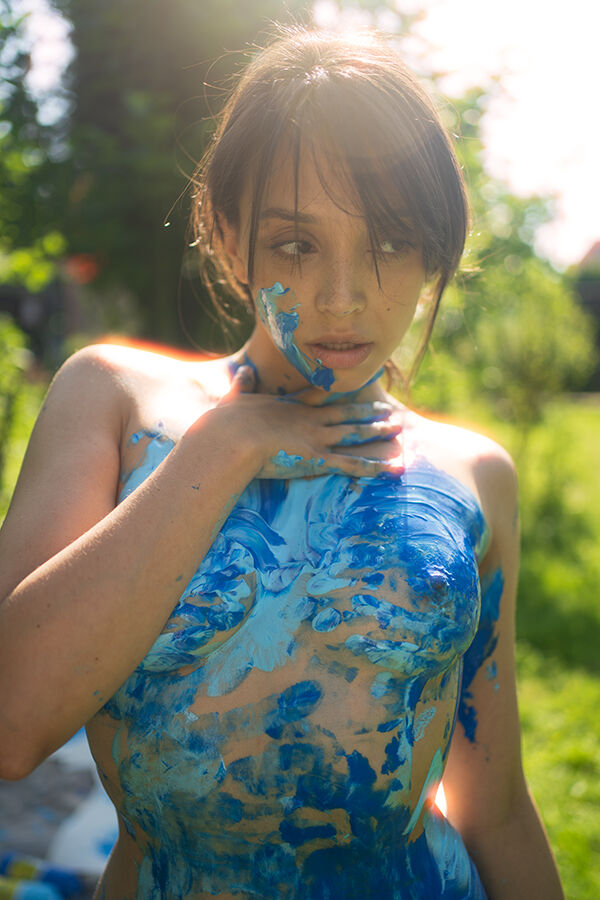
Three sliders handle the fine-tuning. Range sets the tonal range where Glow takes hold at all, from the brightest highlights only to considerably wider areas. Spread controls how far the glow radiates out of the bright areas; higher values give a broader, softer effect. Warmth shifts the color of the glow. With Diffusion and Bloom the scale runs from cool to warm, with Halation from yellow to red, which makes perfect sense for the retro look it's after.
One more small tip: while dragging Range and Spread, holding down Alt (Option on the Mac) brings up a black-and-white mask that shows exactly where the effect takes hold and how far it reaches.
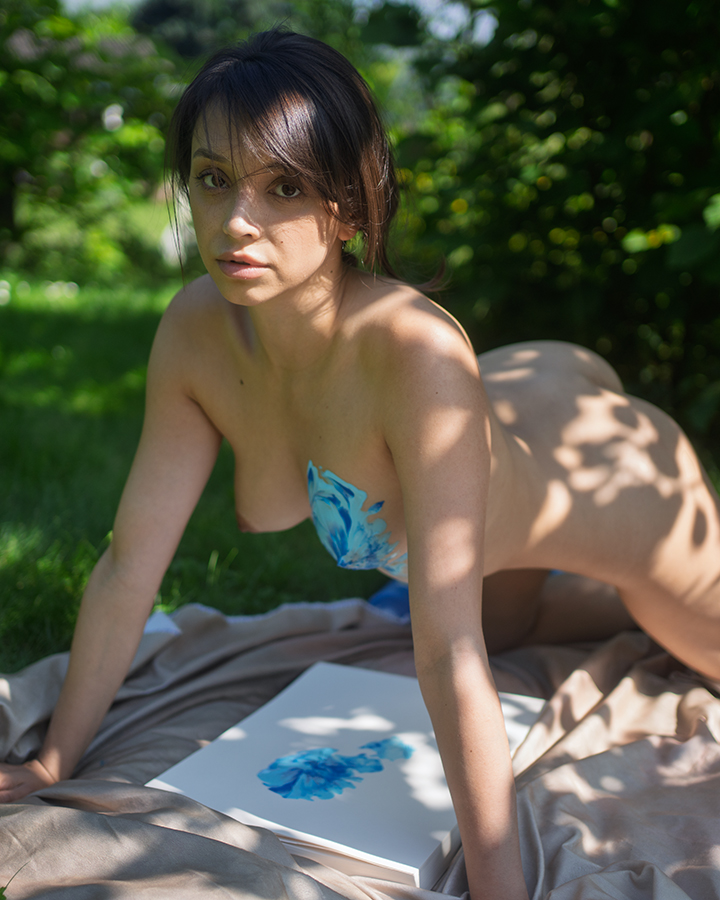
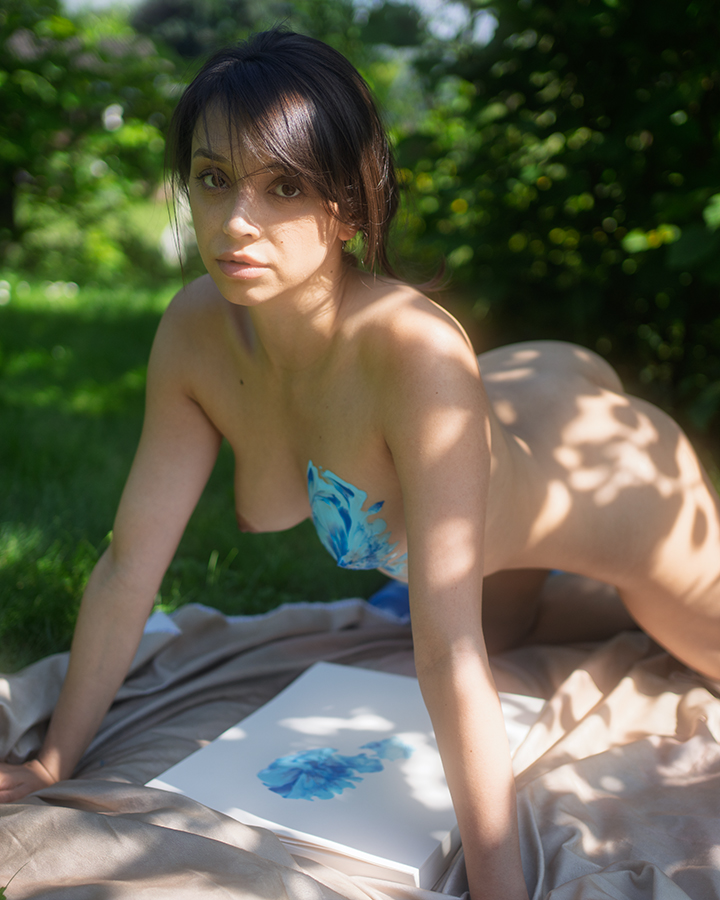
My filter stays on the lens, of course. What happens in front of the sensor happens in the light itself, and post-processing can approximate that but never really rebuild it. For me, Glow is a second layer, something I lay on top sparingly when a shot wants to go in that direction. Sparingly is the crucial word here. Few things ruin a good picture faster than an effect you recognize as an effect at first glance.
That's something I have to keep telling myself, too.