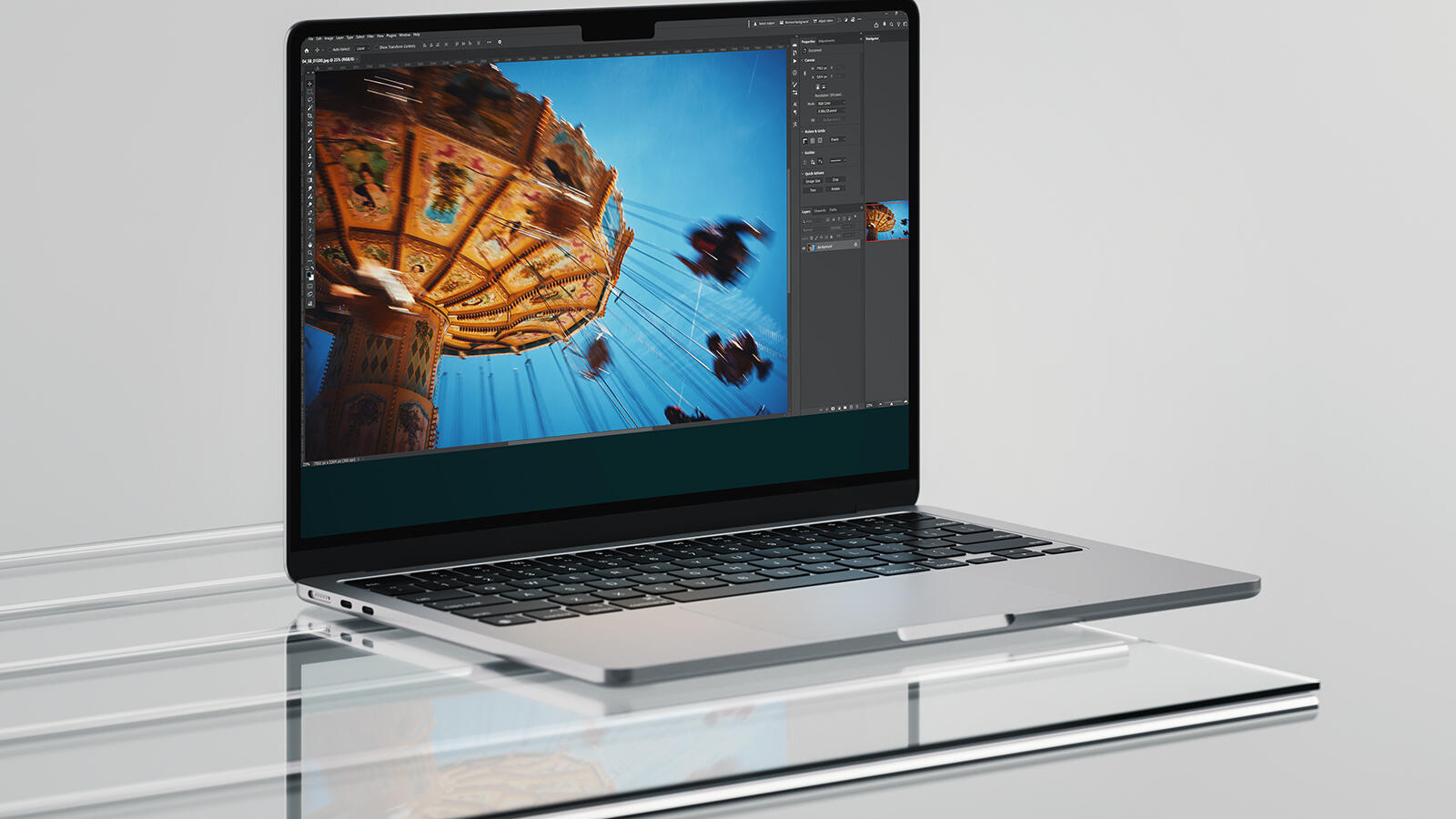
1995 was my first encounter with Photoshop. A flyer for a party. Pixelated typography, something with colorful spheres and gradients. The '90s, you know. Three decades later, I'm still sitting in front of the program, except the frustration has now evolved into full-blown headaches.
It started with that wonderfully twisted saving logic. Want to save an image? Then you've got the choice between "Save", "Save as", "Save a copy", "Export", "Quick Export", and "Save for Web". Six different ways to do the exact same thing. As if Adobe thought: Why make it simple when you can make it complicated?
I had hoped the next update would clean things up. Instead, version 2026 arrives and piles on even more.
The AI features came fast and furious, sure. Adobe wants to stay competitive, I get it. Photoshop is still the industry standard, so you can't fall behind. So now there's upscaling where an AI-generated image replaces your original (not really scaling, more of an "I'll cobble together something similar" kind of deal), and you can regenerate image areas with Nano Banana or Flux. You might already know about these from earlier articles, e.g. here on the blog.
All implemented somewhat chaotically, but whatever. The real problem lies elsewhere: despite your already not-exactly-cheap Photoshop subscription, these features come with additional costs. They call it a credit system. What does it cost? How many credits does one action consume? It's buried somewhere deep on the Adobe website, in an overview that's constantly changing.
There is, however, a silver lining in this mess. Adobe consistently blocks various functions when nudity is involved. This means for me as a nude photographer: I don't even get tempted to use these credit traps. No accidental costs, no nasty surprises on the bill.
Adobe's prudishness functions here as involuntary cost protection. Who would have thought?